" width="34.99999896456802px"><g d="M 7.353 3.677 C 7.353 5.7 5.7 7.353 3.677 7.353 C 1.653 7.353 0 5.7 0 3.677 C 0 1.653 1.653 0 3.677 0 L 7.353 0 Z M 9.206 3.677 C 9.206 1.653 10.859 0 12.883 0 C 14.906 0 16.559 1.653 16.559 3.677 L 16.559 12.883 C 16.559 14.906 14.906 16.559 12.883 16.559 C 10.859 16.559 9.206 14.906 9.206 12.883 Z" fill="transparent" height="16.55944620986844px" id="PcCo7NPSM" transform="translate(0 18.441)" width="16.559444307795502px"><path d="M 7.353 3.677 C 7.353 5.7 5.7 7.353 3.677 7.353 C 1.653 7.353 0 5.7 0 3.677 C 0 1.653 1.653 0 3.677 0 L 7.353 0 Z" fill="rgb(224, 30, 90)" height="7.3534201758107685px" id="GlnIZKB46" width="7.353420175810925px"/><path d="M 0 3.677 C 0 1.653 1.653 0 3.677 0 C 5.7 0 7.353 1.653 7.353 3.677 L 7.353 12.883 C 7.353 14.906 5.7 16.559 3.677 16.559 C 1.653 16.559 0 14.906 0 12.883 Z" fill="rgb(224, 30, 90)" height="16.55944620986844px" id="uIeCE1tG8" transform="translate(9.206 0)" width="7.353420137873627px"/></g><g d="M 12.883 7.353 C 10.859 7.353 9.206 5.7 9.206 3.677 C 9.206 1.653 10.859 0 12.883 0 C 14.906 0 16.559 1.653 16.559 3.677 L 16.559 7.353 Z M 12.883 9.206 C 14.906 9.206 16.559 10.859 16.559 12.883 C 16.559 14.906 14.906 16.559 12.883 16.559 L 3.677 16.559 C 1.653 16.559 0 14.906 0 12.883 C 0 10.859 1.653 9.206 3.677 9.206 Z" fill="transparent" height="16.55944430779541px" id="KDAJ14QAr" transform="translate(0 0)" width="16.55944620986861px"><path d="M 3.677 7.353 C 1.653 7.353 0 5.7 0 3.677 C 0 1.653 1.653 0 3.677 0 C 5.7 0 7.353 1.653 7.353 3.677 L 7.353 7.353 Z" fill="rgb(54, 197, 240)" height="7.353420175810772px" id="cz1Fj7UAe" transform="translate(9.206 0)" width="7.353420137873627px"/><path d="M 12.883 0 C 14.906 0 16.559 1.653 16.559 3.677 C 16.559 5.7 14.906 7.353 12.883 7.353 L 3.677 7.353 C 1.653 7.353 0 5.7 0 3.677 C 0 1.653 1.653 0 3.677 0 Z" fill="rgb(54, 197, 240)" height="7.353420137873533px" id="IAgNv3TUD" transform="translate(0 9.206)" width="16.55944620986861px"/></g><g d="M 9.206 12.883 C 9.206 10.859 10.859 9.206 12.883 9.206 C 14.906 9.206 16.559 10.859 16.559 12.883 C 16.559 14.906 14.906 16.559 12.883 16.559 L 9.206 16.559 Z M 7.353 12.883 C 7.353 14.906 5.7 16.559 3.677 16.559 C 1.653 16.559 0 14.906 0 12.883 L 0 3.677 C 0 1.653 1.653 0 3.677 0 C 5.7 0 7.353 1.653 7.353 3.677 Z" fill="transparent" height="16.55944620986844px" id="cbMRCv25g" transform="translate(18.441 0)" width="16.559458209519335px"><path d="M 0 3.677 C 0 1.653 1.653 0 3.677 0 C 5.7 0 7.353 1.653 7.353 3.677 C 7.353 5.7 5.7 7.353 3.677 7.353 L 0 7.353 Z" fill="rgb(46, 182, 125)" height="7.353420137873533px" id="U6m2zVAXc" transform="translate(9.206 9.206)" width="7.353420175810697px"/><path d="M 7.353 12.883 C 7.353 14.906 5.7 16.559 3.677 16.559 C 1.653 16.559 0 14.906 0 12.883 L 0 3.677 C 0 1.653 1.653 0 3.677 0 C 5.7 0 7.353 1.653 7.353 3.677 Z" fill="rgb(46, 182, 125)" height="16.55944620986844px" id="bojVAFOmI" transform="translate(0 0)" width="7.353420175810925px"/></g><g d="M 3.677 9.206 C 5.7 9.206 7.353 10.859 7.353 12.883 C 7.353 14.906 5.7 16.559 3.677 16.559 C 1.653 16.559 0 14.906 0 12.883 L 0 9.206 Z M 3.677 7.353 C 1.653 7.353 0 5.7 0 3.677 C 0 1.653 1.653 0 3.677 0 L 12.883 0 C 14.906 0 16.559 1.653 16.559 3.677 C 16.559 5.7 14.906 7.353 12.883 7.353 Z" fill="transparent" height="16.559458209519317px" id="ojKPUTt70" transform="translate(18.441 18.441)" width="16.55944620986861px"><path d="M 3.677 0 C 5.7 0 7.353 1.653 7.353 3.677 C 7.353 5.7 5.7 7.353 3.677 7.353 C 1.653 7.353 0 5.7 0 3.677 L 0 0 Z" fill="rgb(236, 178, 46)" height="7.353420175810765px" id="F_lMLgfio" transform="translate(0 9.206)" width="7.353420175810925px"/><path d="M 3.677 7.353 C 1.653 7.353 0 5.7 0 3.677 C 0 1.653 1.653 0 3.677 0 L 12.883 0 C 14.906 0 16.559 1.653 16.559 3.677 C 16.559 5.7 14.906 7.353 12.883 7.353 Z" fill="rgb(236, 178, 46)" height="7.3534201758107685px" id="SlspZMdU6" width="16.55944620986861px"/></g></g></svg>)
Get instant incident alerts and recovery notifications delivered directly to your Slack channels.
Overview.
The Sola + Slack integration keeps your team in the loop without anyone having to check a dashboard. When a monitor goes down, Sola sends a formatted alert to the Slack channel of your choice — including the affected monitor, time of detection, and a direct link to the incident. When the monitor recovers, a follow-up message is posted automatically.
How it works.
When Sola detects a monitor failure, it sends a structured Slack message to your configured channel. The message includes the monitor name, status, affected URL, region, and a link to view the full incident timeline. Recovery notifications are sent automatically when the monitor returns to healthy status.
How to configure.
In your Sola dashboard, go to Settings → Integrations.
Click Connect next to Slack.
Authorize Sola to access your Slack workspace.
Select the channel you want alerts sent to.
Optionally configure per-monitor overrides to route different monitors to different channels.
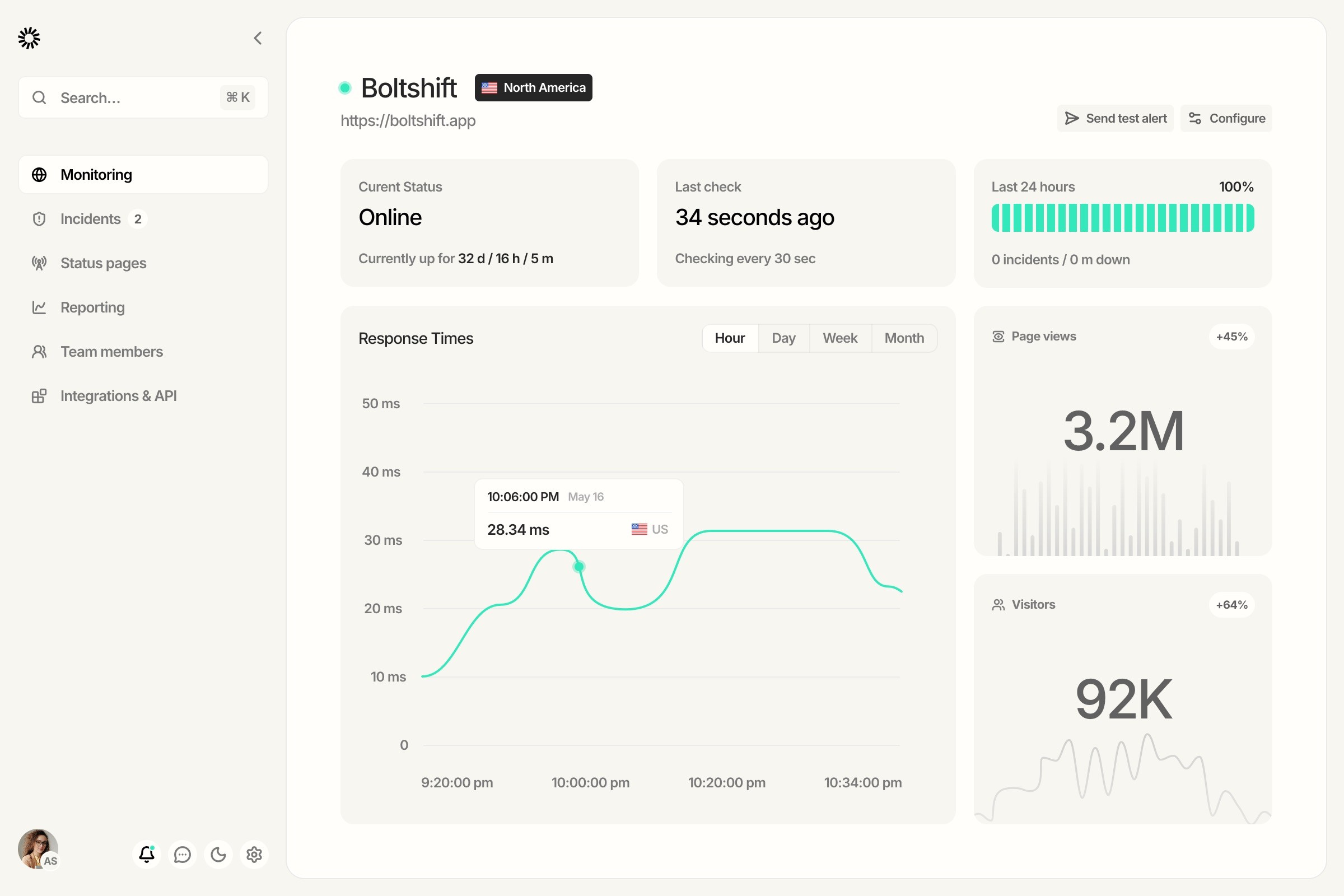
Click Save and trigger a test alert to confirm the connection.

" height="30.96389610392312px" id="AT8Z82ySX" transform="translate(0 4.52)" width="40px"/></svg>)
" height="39.898124666057534px" id="lRNFTlRbZ" transform="translate(0 0.05)" width="40px"/></svg>)
" height="39.183837315749514px" id="AGqdM4wio" transform="translate(0 0.41)" width="39.84784420160824px"/></svg>)